Generating code is getting easier and faster, but developers tell us that the real challenge is staying in control of what AI agents change, seeing the results immediately, and validating that everything works as intended.
And while AI tools continue to evolve, one thing hasn’t changed: enterprise .NET developers do their real work on desktop, alongside their IDE, terminal, source control, and the agents they already trust. They want new tools that fit into those tried and tested workflows.
Uno Platform Studio 3.3 is built for that. In addition to the browser, Studio now runs on your desktop, right alongside your IDE and AI agents. A new mobile companion app lets you experience your application on a real device, and the new Theme Editor makes it possible to reshape your application’s entire look in a few clicks.
The major improvements in Uno Platform Studio 3.3:
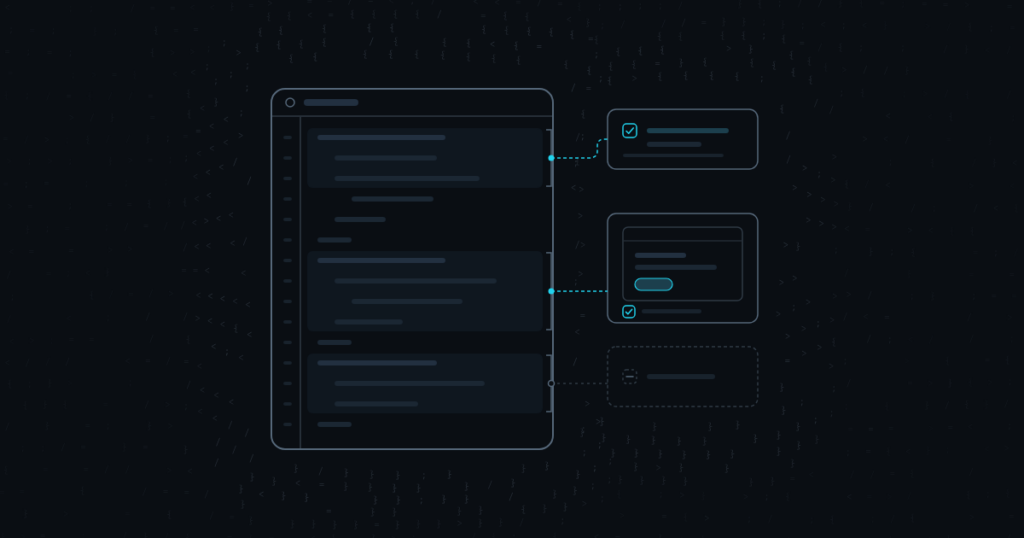
Develop from Windows, macOS, or Linux. Check and fix your dev setup from the start, and build alongside your agent from a solid foundation.
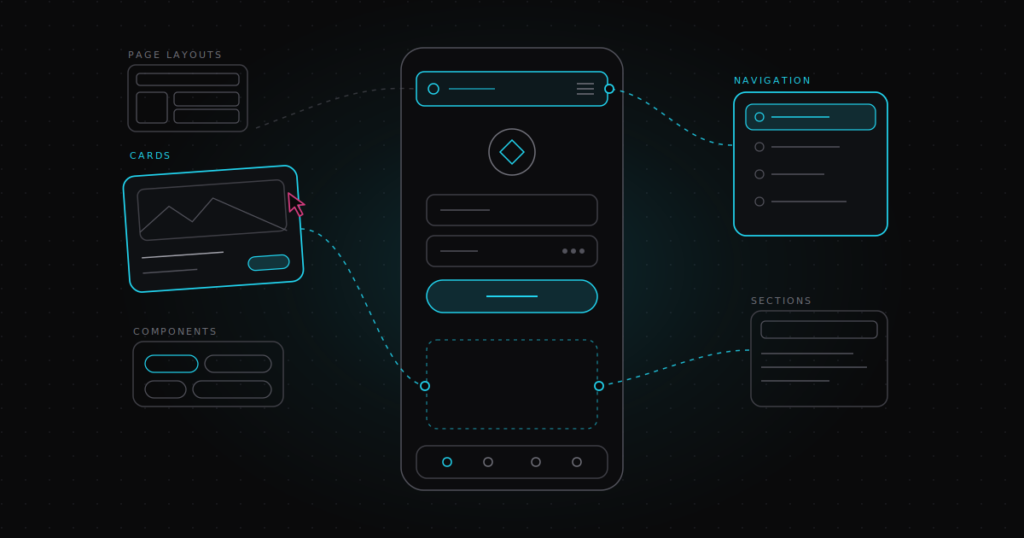
Test your app on a real device, with over-the-air updates.
Restyle your whole application’s colors, shapes, spacing, and type, live, on the running application.
Together, these additions bring us closer to our vision for Uno Platform Studio: a workbench for agentic application development where developers and AI agents create, collaborate, validate, and ship .NET applications together.
That’s three of the many updates in this release. Let’s unpack it.
Uno Platform Studio Desktop
Build where the real work happens
Uno Platform Studio now installs as a desktop application on Windows, macOS, and Linux. It runs on the same machine as your IDE, your terminal, your source control, and the agents you already use, so it fits into the way you work, acting as a workbench for you and your agents to ship and validate applications together.
| Platform | Runs on |
|---|---|
| macOS | Apple silicon and Intel |
| Windows | x64 and Arm64 |
| Linux | x64 |
Your tools, your agent, side by side
Uno Platform Studio Desktop has its own window and its own place in the Dock or taskbar. Cmd+Tab or Alt+Tab takes you between Uno Platform Studio, your IDE, and your agent like any other application, with no hunting through browser tabs.
A machine that’s ready to build
Uno Platform Studio Desktop sets up your machine for you, so you can spend your time building instead of chasing dependencies. Every time Studio starts, it runs uno-check and shows anything missing from your setup, from the .NET SDK to workloads and Uno Platform templates. You fix it all from Uno Platform Studio before your first build, without opening a terminal, so you and your agent start every project from a working environment.
A shout-out to Jonathan Dick, whose .NET MAUI Sherpa inspired us to build a similar experience into Uno Platform Studio.
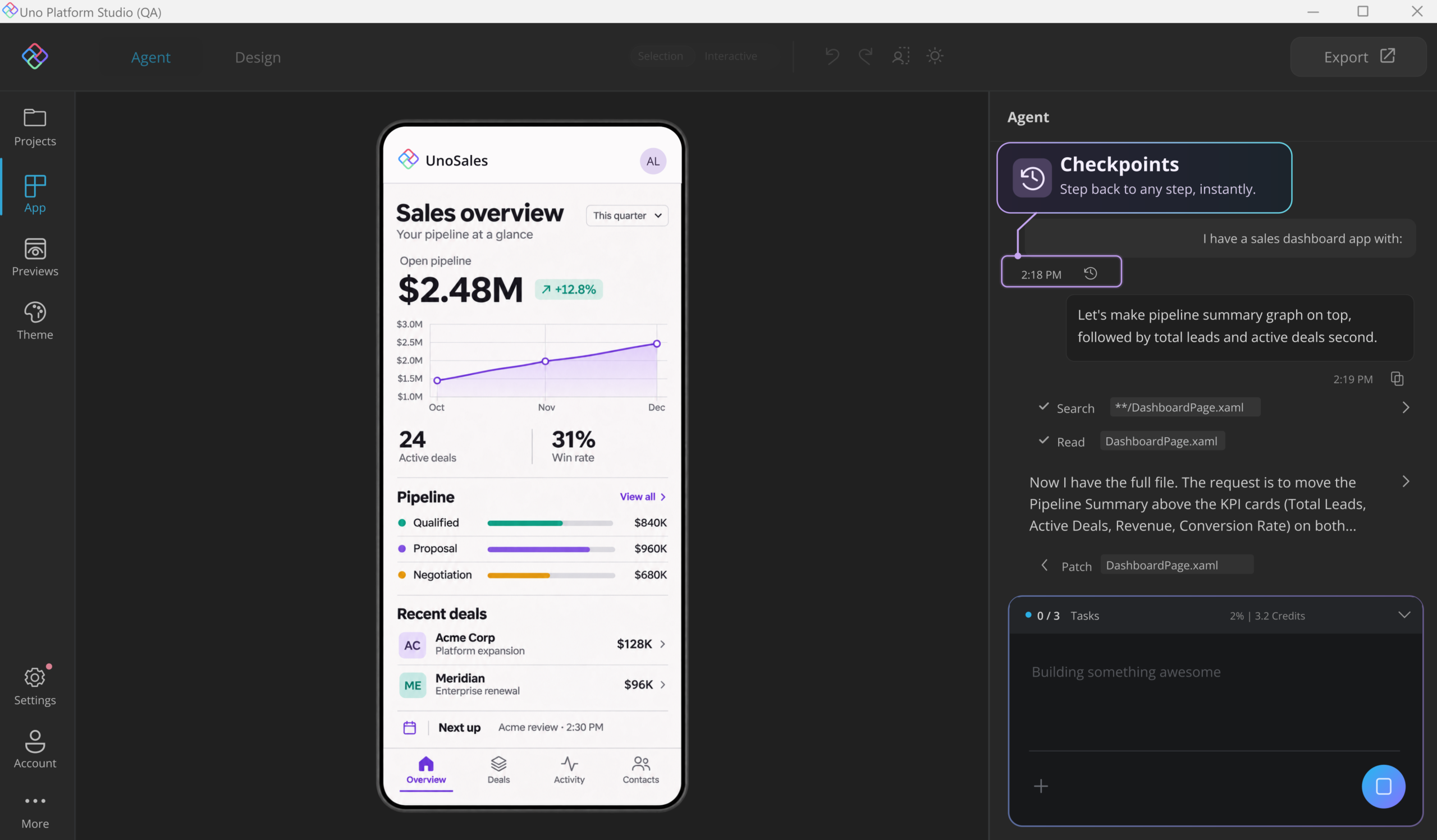
Checkpoints: undo for your agent
Experiment freely with your agent, knowing you can always get back to a version that worked. Pick any earlier instruction in your conversation and roll your project back to that point, with the code and the conversation restored together. If a direction doesn’t pan out, you return to a known good state in one step instead of undoing changes file by file.
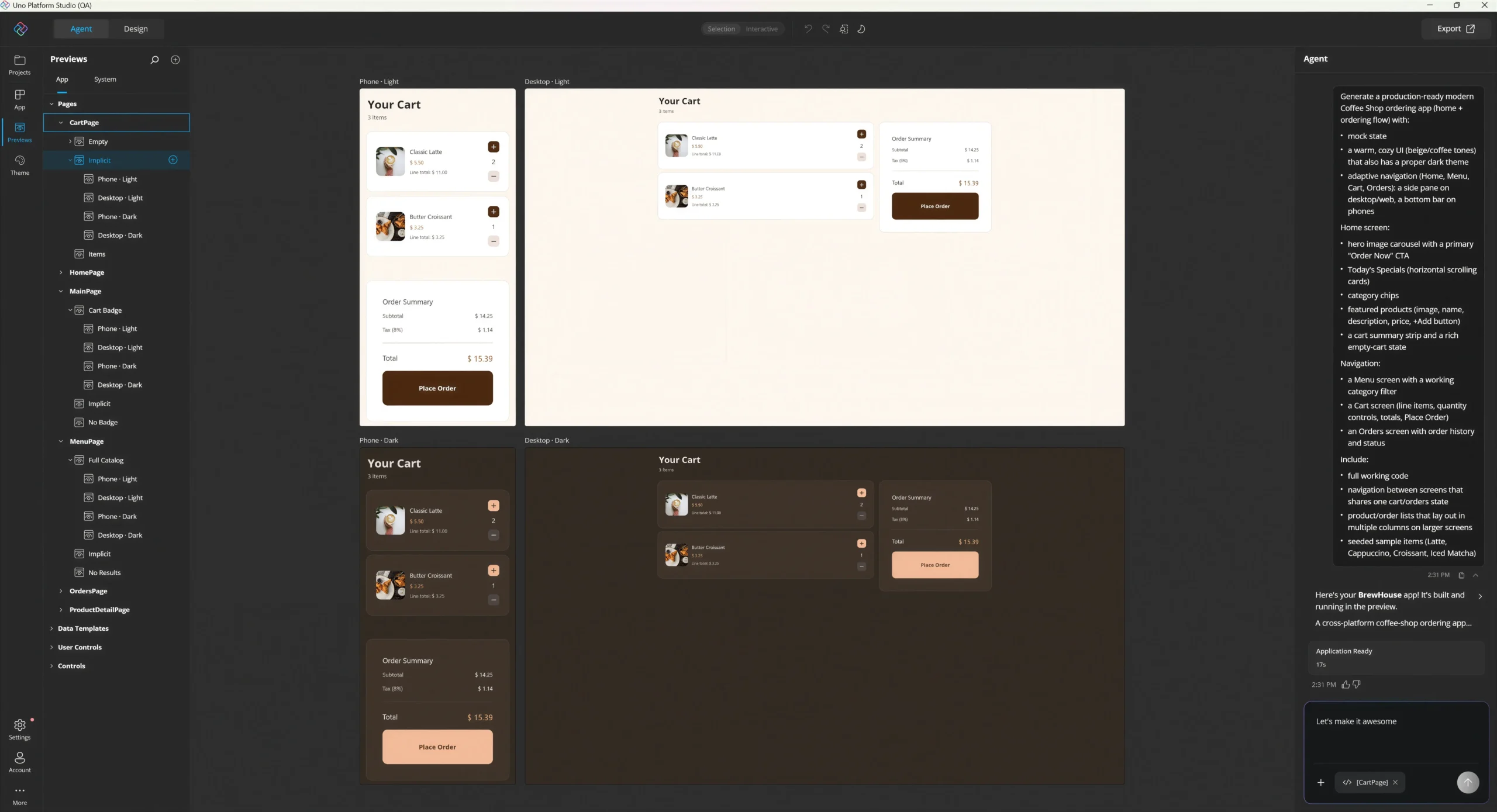
Previews: see every variant at a glance
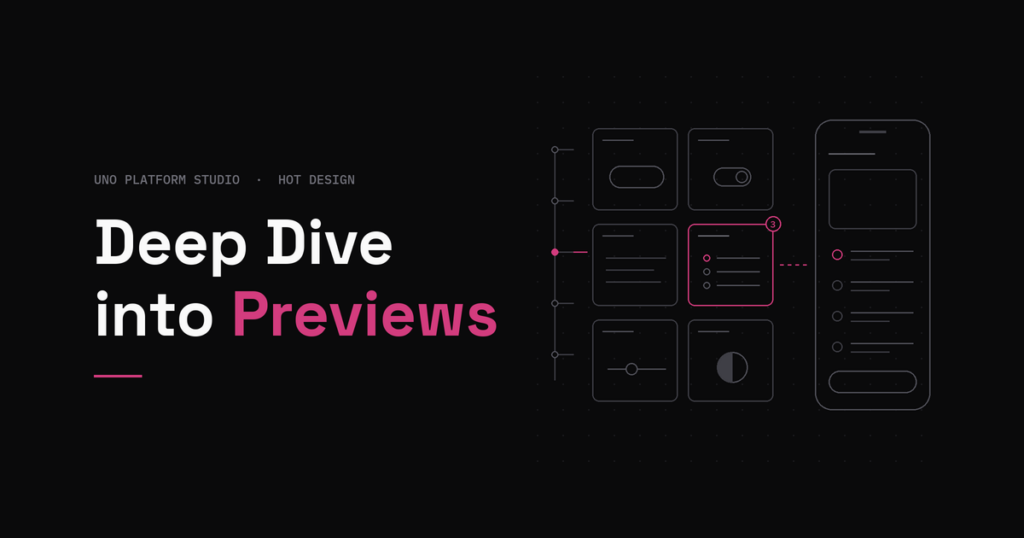
Uno Platform Studio 3.3 also improves how you preview your application. To make it easier to validate what you or your AI agent have built, the new Preview Variants show your application in both form factors and in light and dark themes, so you can inspect how it looks across layouts and themes at a glance.
This is the change from 3.2 to 3.3:

Uno Platform Studio Mobile
Validate on real devices
Simulators and browser previews only get you so far. Touch targets, safe areas, scrolling, the on-screen keyboard, fonts, and performance all behave differently on a real phone.
Uno Platform Studio Mobile puts a real device in your development loop. Sign in with your Uno Platform Studio account, open your project on your phone or tablet, and keep working wherever you prefer: Uno Platform Studio, your IDE, or the CLI. Every change Hot Reloads to the device over the air. No rebuild, no redeploy.
Your phone becomes part of how you check your work instead of a final step before release. When you or your agent changes something, you see it on real hardware seconds later.
Uno Platform Studio Mobile is available now for testing on iOS and Android.
Try Uno Platform Studio on iOS and Android
- Download Uno Platform Studio Mobile for iOS or Android and sign in with your Uno Platform account, or create one to get started.
- Explore the Gallery to run sample applications full screen and experience Uno Platform firsthand, no coding required.
- Preview your own project by opening an existing project or creating one at platform.uno, then opening it from the mobile app.
- See changes live. Keep working in Uno Platform Studio Web or Desktop, and your updates appear over the air on your mobile device, without rebuilding or reinstalling.
Whether you’re exploring samples or building your own app, you can see and test the experience directly on a real device.
Theme Editor
Make your application’s look and feel your own
With the new Theme Editor in Uno Platform Studio, you shape your application’s entire visual identity from one place. Customize colors, typography, shapes, and spacing, and see each change reflected instantly across the running application, without hand-editing XAML or rebuilding.
Theme editing is available in Studio on Pro and Business plans. Learn more about theme editing.
Theme Editor works at the level of your whole design system. Instead of maintaining that system by hand across XAML resources, you shape it visually, with immediate feedback on every screen it touches.
It builds on the Themes workspace introduced in Uno Platform Studio 3.2, which lets you visualize and inspect your design system across controls, colors, and typography in light and dark modes. Theme Editor takes you from seeing your design system to actively shaping it. Make a change, check it in both modes and across your controls, and refine it until it’s right.
Whether you’re aligning an application with your brand, exploring a new visual direction, or fine-tuning the details, Theme Editor keeps your look and feel consistent across the entire application. And because every change is saved directly to your application’s XAML as production-ready code you own, what you design is what you ship.
Start building with Uno Platform Studio 3.3
Your IDE. Your AI agents. Your workflow. Now with Uno Platform Studio alongside them. Whether you prefer working on your desktop or starting in the browser, Uno Platform Studio 3.3 brings developers and AI agents together to create, collaborate, validate, and ship cross-platform .NET applications faster, without giving up control of the code.
Get Uno Platform Studio 3.3
Download Uno Platform Studio Desktop for Windows, macOS, or Linux, or launch Uno Platform Studio Web and start building in your browser.
And when you’re ready to take your development workflow further, now is a good time to upgrade: get 25% off Uno Platform Studio Pro or Business while our limited-time offer lasts. Get 25% off Uno Platform Studio.