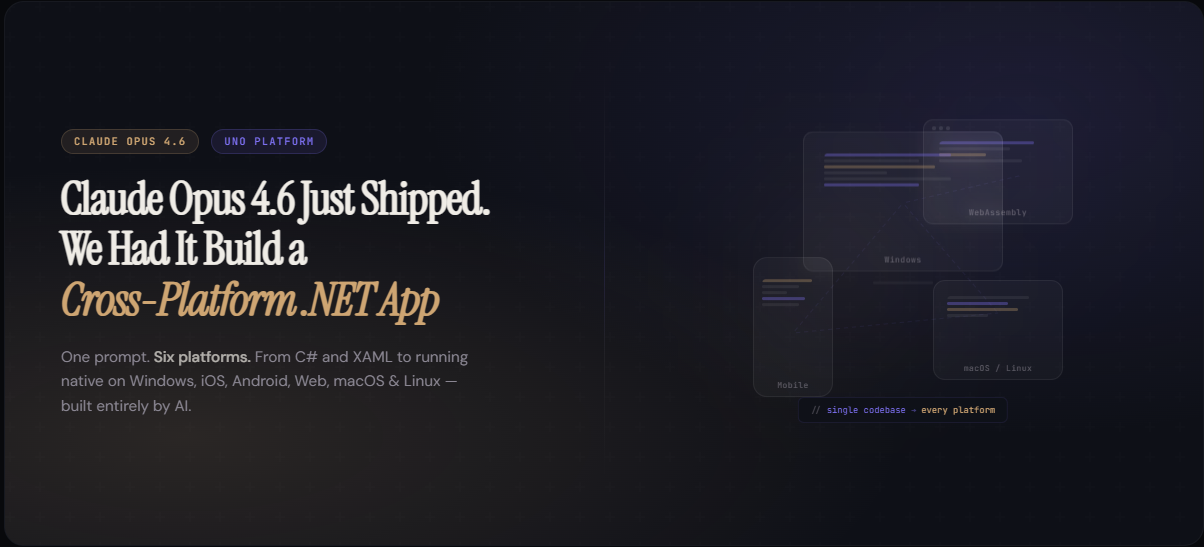
Anthropic shipped Claude Opus 4.6 today. It tops the agentic coding benchmarks, has a 1M token context window, and claims to “plan more carefully” and “sustain agentic tasks for longer.”
We didn’t write a reaction post. We ran it.
The setup
We’ve been building cross-platform .NET apps with Claude Code and Uno Platform’s MCP tools for months. When a new model drops, we have a simple protocol: same task, same tooling, new model. Compare the results.
The task: build a Daily Inspiration quote app with MVUX state management, region-based navigation, and persistent storage. It’s a small app, but it touches everything that matters – reactive data binding, cross-platform file I/O, Material Design styling, and multi-target builds.
We built this same app with Sonnet a few weeks ago. We have a detailed iteration report documenting exactly what happened.
Today, we gave the same spec to Opus 4.6.
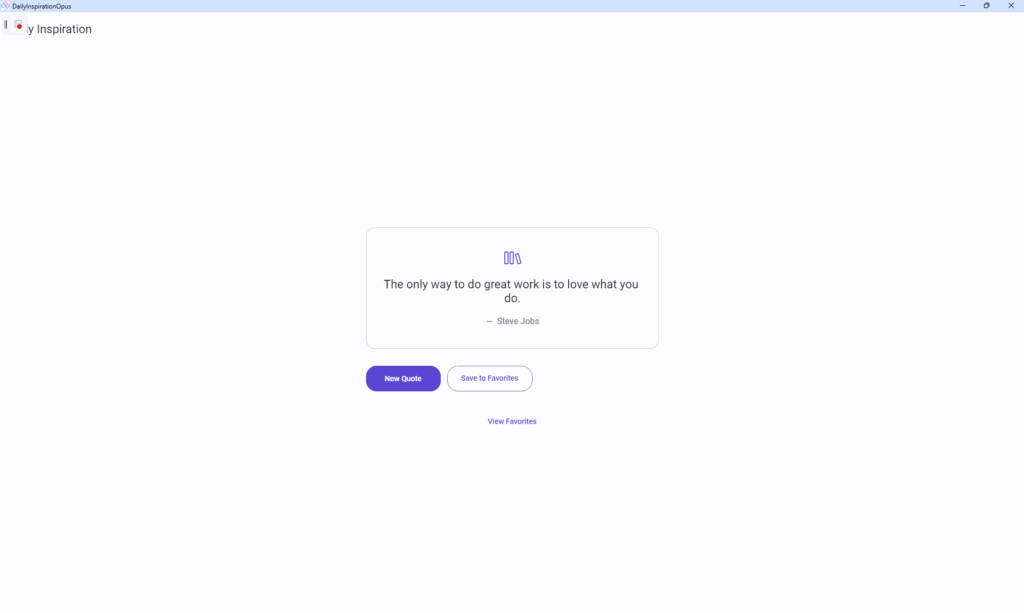
What Sonnet did
Sonnet completed the app. It works. But the path there was rough.
It took roughly 115 minutes and hit three significant detours:
The Card control trap. Sonnet used utu:Card from the Uno Toolkit for the quote display. The Card rendered empty. Visual tree showed elements present, DataContext confirmed data was loaded, but nothing appeared on screen. Sonnet spent roughly 30 minutes debugging this – inspecting the visual tree, checking data context, swapping templates – before discovering it was a rendering issue with the Card control itself. The fix was replacing Card with a plain Border.
The FeedView confusion. MVUX uses IState<T> for reactive state. But you can’t bind directly to it in XAML – you need to wrap it in <mvux:FeedView> and access data through a Data property. Sonnet tried {Binding CurrentQuote.Text} first. That doesn’t work. It had to search the docs, find the correct pattern, and refactor.
The style workaround. After the Card control issues, Sonnet gave up on Material text styles entirely and hardcoded FontSize="24", FontSize="16", etc. It worked, but it’s not how you ship a Material Design app.
The final app also had leftover template pages (MainPage, SecondPage) that were never cleaned up.
What Opus 4.6 did
Same spec. Same Uno Platform MCP tools. Same project template.
Both targets built on the first try. Zero warnings, zero errors. Desktop in 52 seconds, WebAssembly in 2 minutes 24 seconds.
No Card control trap. Opus 4.6 used Border with ThemeShadow for elevation from the start – it appears to have known that the Card control can be problematic in certain configurations and chose the reliable primitive with proper shadow support instead.
No FeedView confusion. The correct MVUX binding pattern appeared in the first version of the XAML:
<mvux:FeedView Source="{Binding CurrentQuote}">
    <DataTemplate>
        <TextBlock Text="{Binding Data.Text}"
                   Style="{StaticResource TitleLarge}" />
    </DataTemplate>
</mvux:FeedView>- No hardcoded font sizes.
- Proper Material text styles throughout
TitleLarge,BodyLarge,BodyMedium– the way the design system is meant to be used. - Clean project structure.
- Template files removed.
- Routes registered correctly.
- No dead code.
The whole thing took about 15 minutes from scaffold to running app.
What actually changed
Anthropic says Opus 4.6 “plans more carefully.” In practice, what we observed is that it made better architectural decisions upfront. It chose Border over Card not because someone told it to, but because it appears to understand which controls are reliable for content display versus which ones carry styling complexity. It used FeedView correctly because it understood the MVUX data flow pattern before writing the first line of XAML.
This matters for .NET developers because cross-platform UI frameworks have a lot of surface area. There are many ways to build the same screen. The difference between a model that picks the right abstraction on the first try and one that picks wrong and debugs for 30 minutes is significant when you’re iterating on real applications.
The 1M token context window is relevant here too. Our MCP tools send documentation, project structure, and runtime diagnostics back to the model. A larger context window means the model can hold more of the framework’s patterns in working memory while writing code. That translates directly to fewer wrong turns.
The tooling angle
Model upgrades only translate to better output when the tooling layer is solid. Claude Code with Uno Platform’s MCP tools provides:
- Documentation search and retrieval – the model can look up FeedView binding patterns, navigation APIs, and control usage before writing code
- Build verification –
dotnet buildresults feed back into the model’s decision loop - Project scaffolding –
dotnet new unoappwith the recommended preset gives the model a correct starting point
The model got smarter. The tooling stayed the same. The combination produced a meaningfully better result.
The numbers
| Metric | Sonnet 4.5 | Opus 4.6 |
|---|---|---|
| Time to working app | ~115 min |
~15 min |
| Build failures before success | Multiple |
0 |
| Card control debugging | ~30 min |
Avoided |
| MVUX pattern correct on first try | No |
Yes |
| Material styles used correctly | No (hardcoded) |
Yes |
| Template cleanup | No |
Yes |
| Desktop build warnings | 0 (after fixes) |
0 |
| WASM build warnings | 0 (after fixes) |
0 |
Try it yourself
The Uno Platform MCP tools work with Claude Code today. If you’re a .NET developer building cross-platform apps, the Opus 4.6 upgrade is meaningful – not because of benchmarks, but because it writes better code on the first pass.