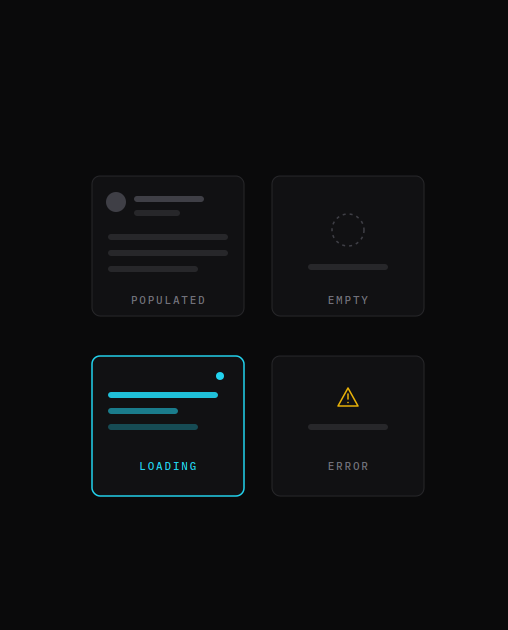
🕓 5 MINPreviews allow for visualizing app pages in cross-platform .NET apps and testing UI across various states.
Do you struggle to understand the intricacies of Uno Platform? It’s easy to waste a lot of time finding the right tools and solutions to get stuff done, especially if you find it complex and confusing. In this episode of the Hanselminutes podcast, Scott Hanselman interviews Uno Platform CTO Jerome Laban to pull back the curtain on the philosophies of Uno Platform and the complexities of writing once and running everywhere.
Also on the menu, Jérôme and Scott discuss powerful information such as the use of WebAssembly, Microsoft APIs, different rendering possibilities, WinRT, the relationship with Microsoft, and finally how Uno Platforms manages to sustain open-source.
If you want to be sure you understand everything happening with Uno Platform and how it improves the cycle of development for cross-platform apps, don’t miss this episode!
For those new to Uno Platform – it allows for creation of pixel-perfect, single-source C# and XAML apps which run natively on Windows, iOS, Android, macOS, Linux and Web via WebAssembly. Uno Platform is free and Open Source (Apache 2.0) and available on GitHub.
If you haven’t heard about Uno Platform before, we strongly recommend trying out Uno Playground. This is cool, it’s like a code pen and you can write XAML in the browser. There’s an autorun checkbox, so you can see the data binding, or you can even go and see the ray tracer demo, and see that it’s using .NET 6 for WebAssembly.
Tags:
🕓 5 MINPreviews allow for visualizing app pages in cross-platform .NET apps and testing UI across various states.
🕓 3 MINTim Corey's "Uno Platform From Start to Finish" is free to enroll for two weeks, with lifetime access
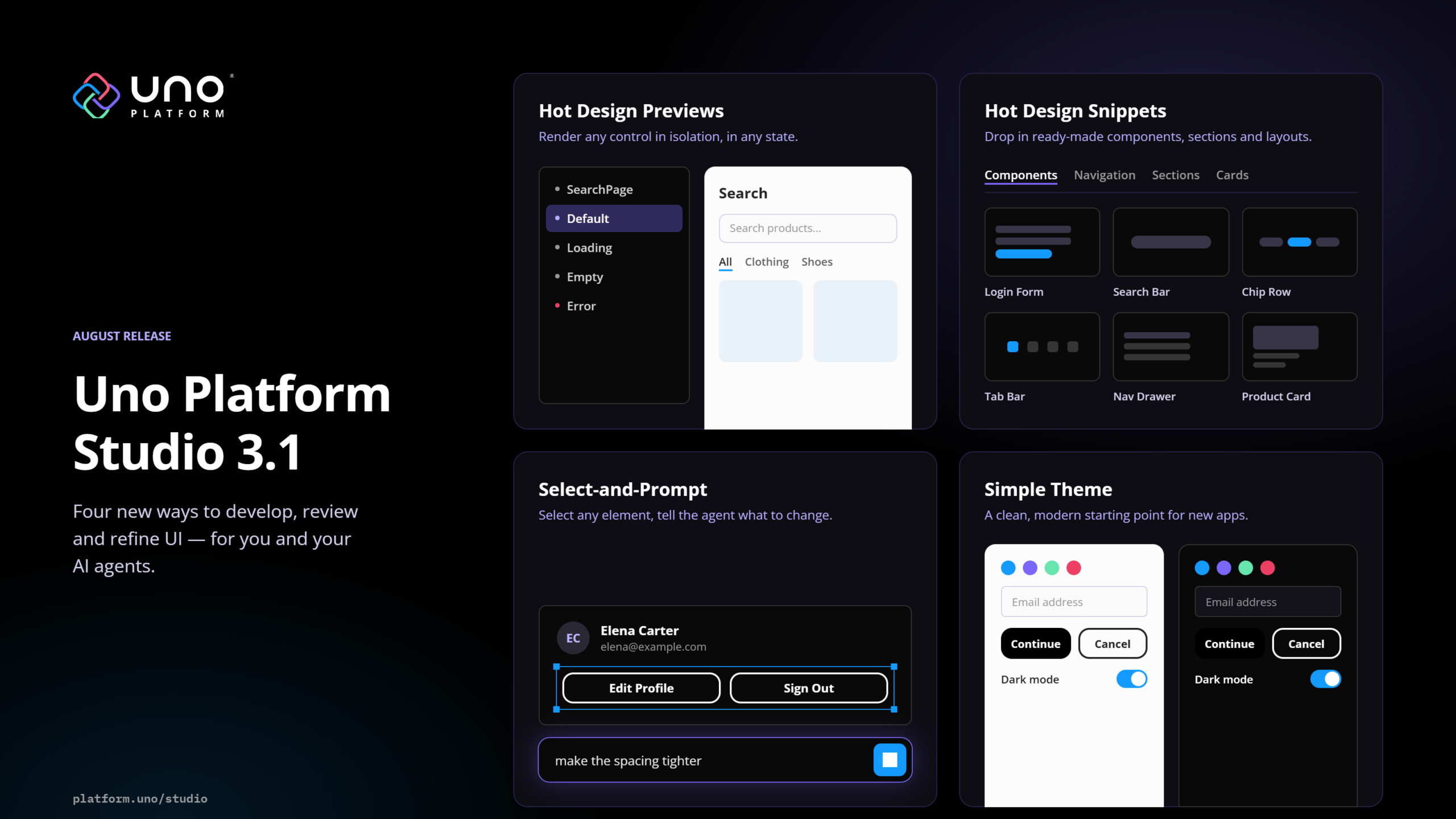
🕓 6 MINFour additions to the Uno Platform Studio loop: previews for every UI state, drag-in snippets, select-and-prompt for precise agent context, and a neutral default theme built to be made your own.
Uno Platform 5.2 LIVE Webinar – Today at 3 PM EST – Watch