Today, we're announcing Uno Platform 6.6.
This release brings Native Ahead-of-Time (AOT) compilation to Android, iOS, Linux, macOS, and Windows, adds an opt-in Vulkan rendering backend, and makes Uno Platform MCPs seamless to use.
Uno Platform 6.6 also reduces XAML boilerplate, expands WinUI API coverage, introduces screen-reader support for Skia-rendered applications, and improves multilingual text input and rendering with complete IME composition and automatic font fallback.
Uno Platform 6.6 is available now. Upgrade your existing project or explore the different ways to get started.
Native AOT Across Five Platforms
Starting with v6.6, Uno Platform applications can be published with Native AOT, delivering near-instant startup and smaller deployment packages across mobile and desktop.
Using Uno.Chefs on .NET 10, we measured startup improvements of up to 60%, reflecting the gains developers can expect from a full-scale application rather than an idealized minimal sample. The result is a faster first launch and a leaner application footprint.
AOT is best suited to applications where startup performance is a priority. JIT publishing remains fully supported, giving teams the flexibility to choose the publishing model that best fits their application and development workflow.
| Platform | Default Runtime | Native AOT | Faster By |
|---|---|---|---|
| Android | 0.895s | 0.348s | 61% |
| iOS | 0.940s | 0.742s | 21% |
| Linux | 0.870s | 0.350s | 60% |
| macOS | 1.347s | 0.555s | 59% |
| Windows | 1.605s | 0.824s | 49% |
The complete benchmark table, methodology, and setup instructions are available in the Native AOT documentation. You can also read about how we contributed AOT improvements to .NET for Android.
Seamless MCP Setup via Auto-Registration
Uno Platform has provided two Model Context Protocol servers.
| MCP | What It Gives Your Agent |
|---|---|
| App MCP | Access to the behavior of a running application, allowing the agent to verify what the application actually does: AI 'eyes and hands' |
| Docs MCP | Access to latest Uno Platform documentation, grounding agentic responses in best practices, APIs, and guidance available today |
In Uno Platform 6.6, these MCPs can register themselves with your IDE. This reduces the manual setup required before an AI agent can consult Uno Platform documentation or interact with a running application, so you spend less time connecting tools and more time using them.
| Agent | Auto Registration Support |
|---|---|
| Claude Code | Yes |
| Copilot (VS Code) | Yes |
| Copilot (Visual Studio) | Yes |
| Copilot (CLI) | Yes |
| Cursor | Yes |
| Kiro | Yes |
| Gemini CLI | Yes |
| Codex CLI | Yes |
| Gemini Antigravity | No |
| Claude Desktop | No |
| Windsurf | No |
| Junie Rider | No |
| JetBrains Air | No |
For the most up to date documentation on MCP setup and troubleshooting, see the MCP documentation.
Opt-In Vulkan Rendering for Better Performance
Uno Platform 6.6 introduces an opt-in Vulkan rendering backend for Windows, Linux, and Android.
Vulkan can reduce the rendering cost of each frame, with the largest benefits expected on Android devices and desktop systems with modern GPUs, with performance improvements of up to 50% observed in some cases. This can translate into smoother animations and more responsive graphics-heavy experiences while preserving the same rendering output.
Vulkan is optional, so teams can enable it where rendering performance matters most and compare the results with their current backend. Apple platforms continue to use Metal.
| Platform | Vulkan Backend | Default Backend |
|---|---|---|
| Windows | Supported (opt-in) | Skia, using OpenGL |
| Linux | Supported (opt-in) | Skia, using OpenGL |
| Android | Supported (opt-in) | Skia, using OpenGL |
| iOS | Not available | Skia, using Metal |
| macOS | Not available | Skia, using Metal |
| WebAssembly | Not available | Skia, using WebGL |
Less Boilerplate in XAML Projects
Uno Platform 6.6 introduces two improvements that make XAML files and project structures more concise. The default WinUI presentation namespace and the x: namespace are now implicitly available on Uno Platform targets.
<Page
    xmlns="http://schemas.microsoft.com/winfx/2006/xaml/presentation"
    xmlns:x="http://schemas.microsoft.com/winfx/2006/xaml"
    x:Class="MyApp.MainPage">
  <StackPanel>
    <Button Content="Hello" />
  </StackPanel>
</Page><Page x:Class="MyApp.MainPage">
<StackPanel>
<Button Content="Hello" />
</StackPanel>
</Page>This change removes repeated namespace declarations from individual XAML files, making pages easier to scan without affecting how their controls behave. Developers can define a namespace once in a central file, such as GlobalNamespaces.xaml, and make it available across every XAML file in the project.
Applications and libraries can also expose their own namespaces implicitly. The documentation covers the registration and namespace resolution details.
Automated Code-Behind Source Code Generation
Uno Platform 6.6 introduces automatic code-behind generation for XAML pages. Any page that declares x:Class now gets its generated class produced automatically at build time, no default .xaml.cs file required.
That means a XAML-only page can now ship as a single file: MainPage.xaml. And that's it. Uno Platform handles the rest.
Developers who need constructor logic, event handlers, lifecycle overrides, or other custom behavior can still add a manual code-behind file at any time, giving full flexibility without any required boilerplate.
Expanded WinUI API Coverage
Uno Platform 6.6 expands the set of WinUI and WinRT capabilities available across non-Windows targets. This allows developers to share more application code and XAML across Windows, WebAssembly, Android, iOS, macOS, and Linux without replacing familiar APIs with platform-specific alternatives.
| Area | What Is New | What It Enables |
|---|---|---|
| Layout and visuals | PlaneProjection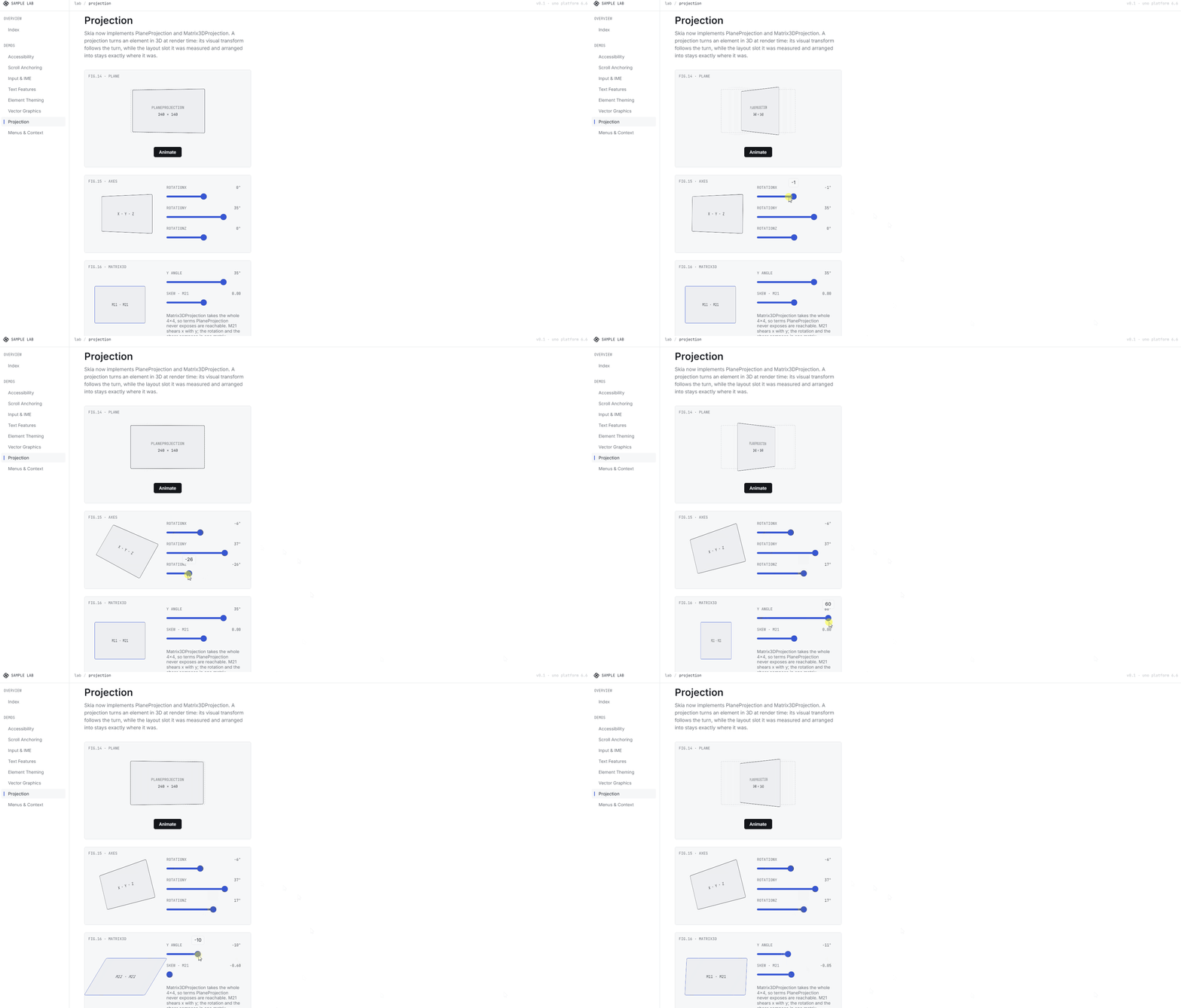 , Matrix3DProjection, Geometry.Transform , Matrix3DProjection, Geometry.Transform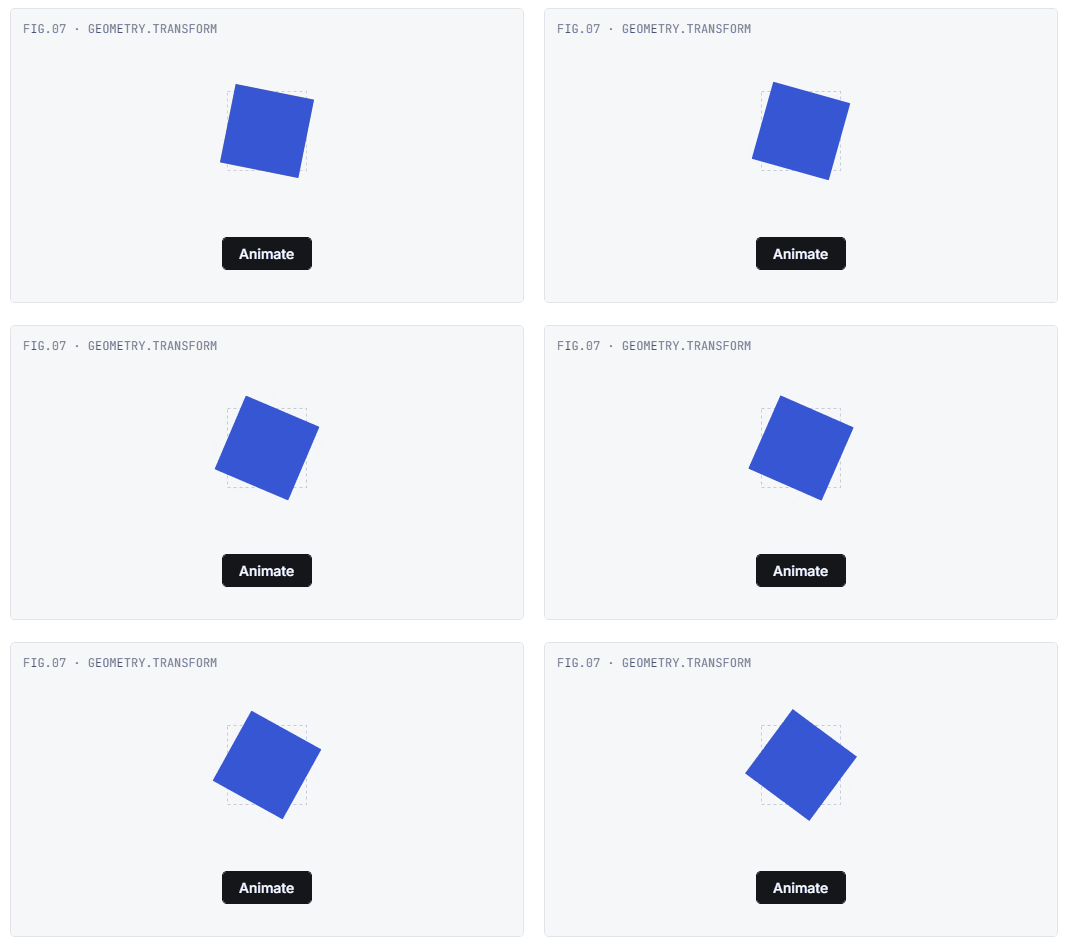 GetAlphaMask() GetAlphaMask() | More advanced transforms, visual effects, and composition |
Text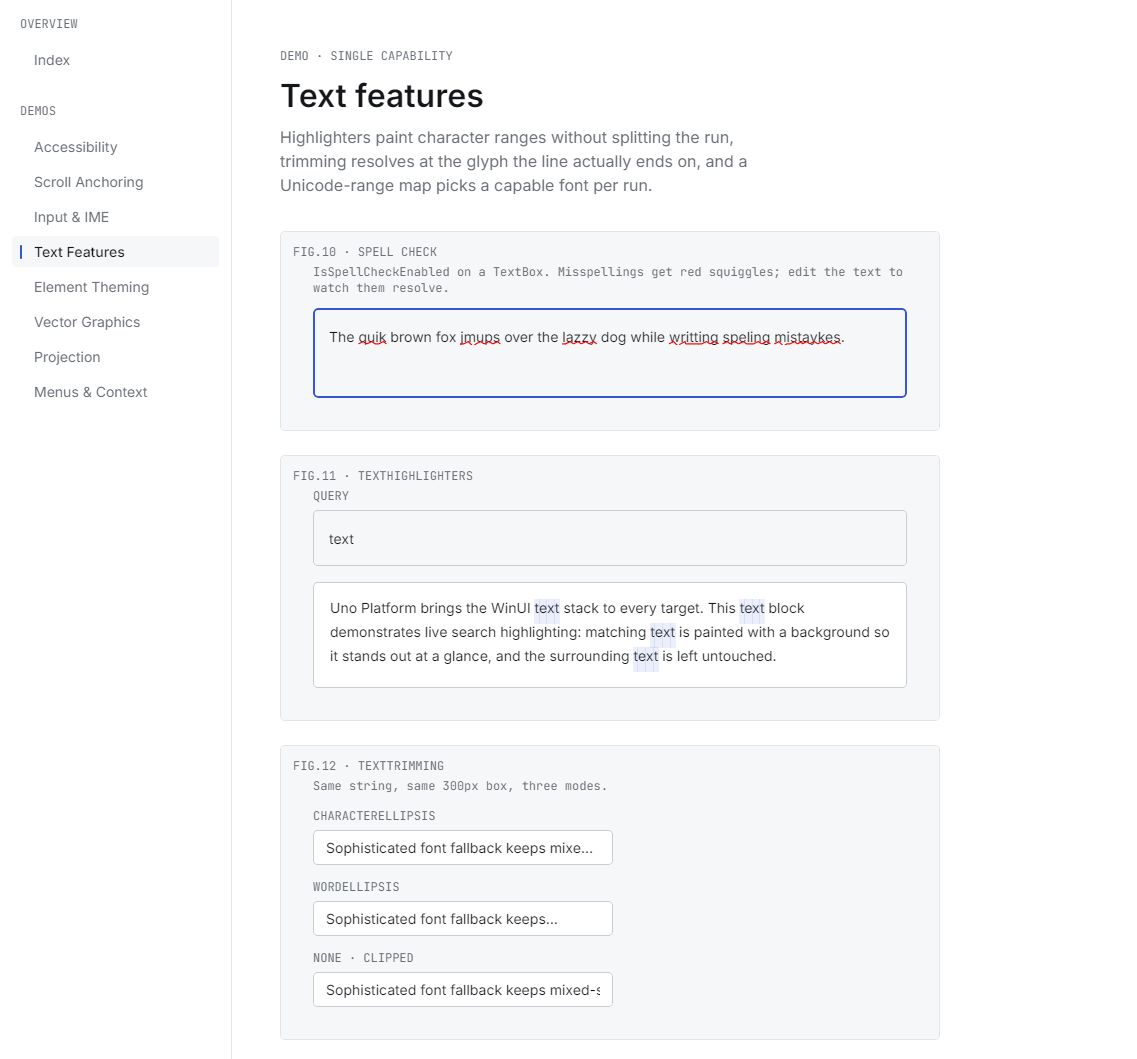 | Spell checking, text highlighting, additional text-trimming support | More complete editors, forms, and document experiences |
| Menus and interaction | Expanded flyout support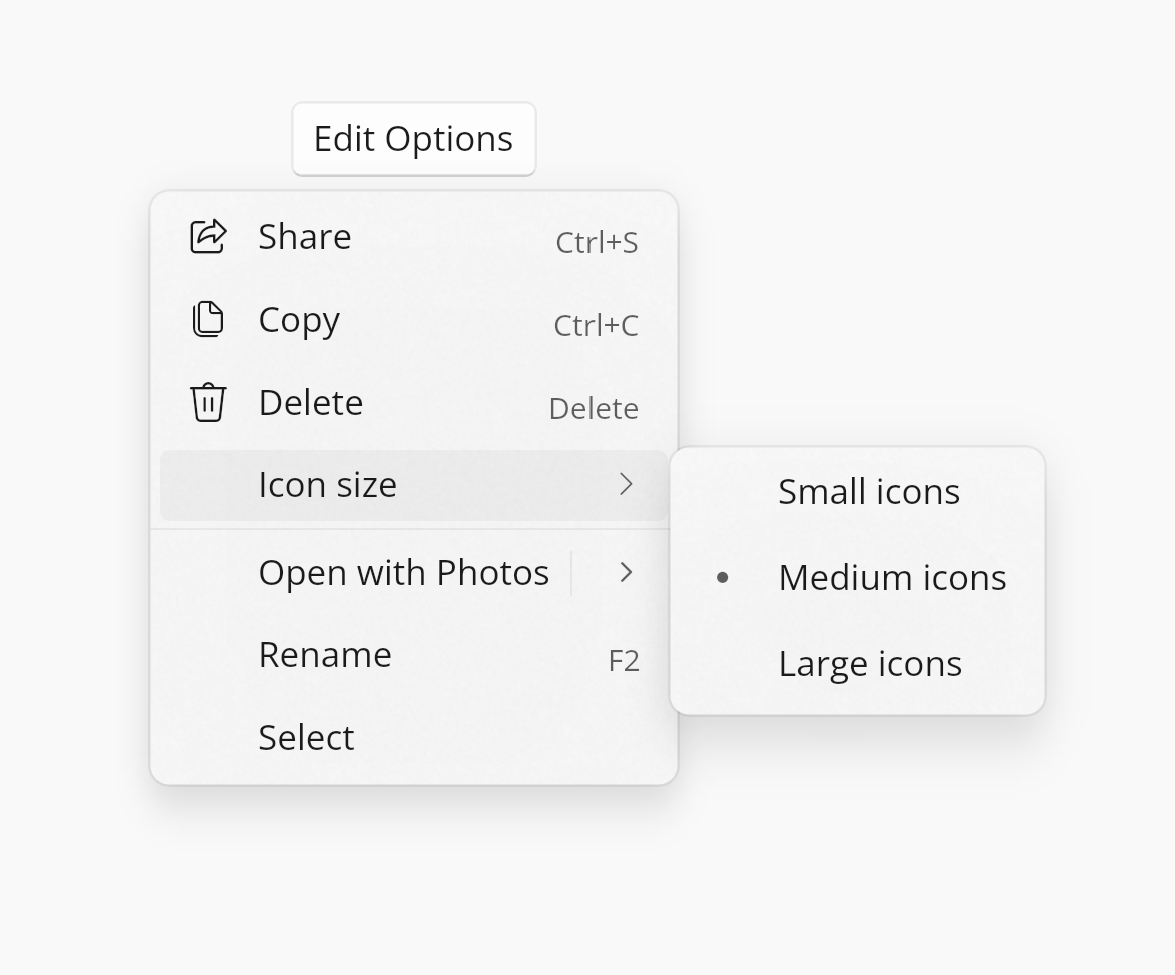 , context menus, scroll anchoring , context menus, scroll anchoring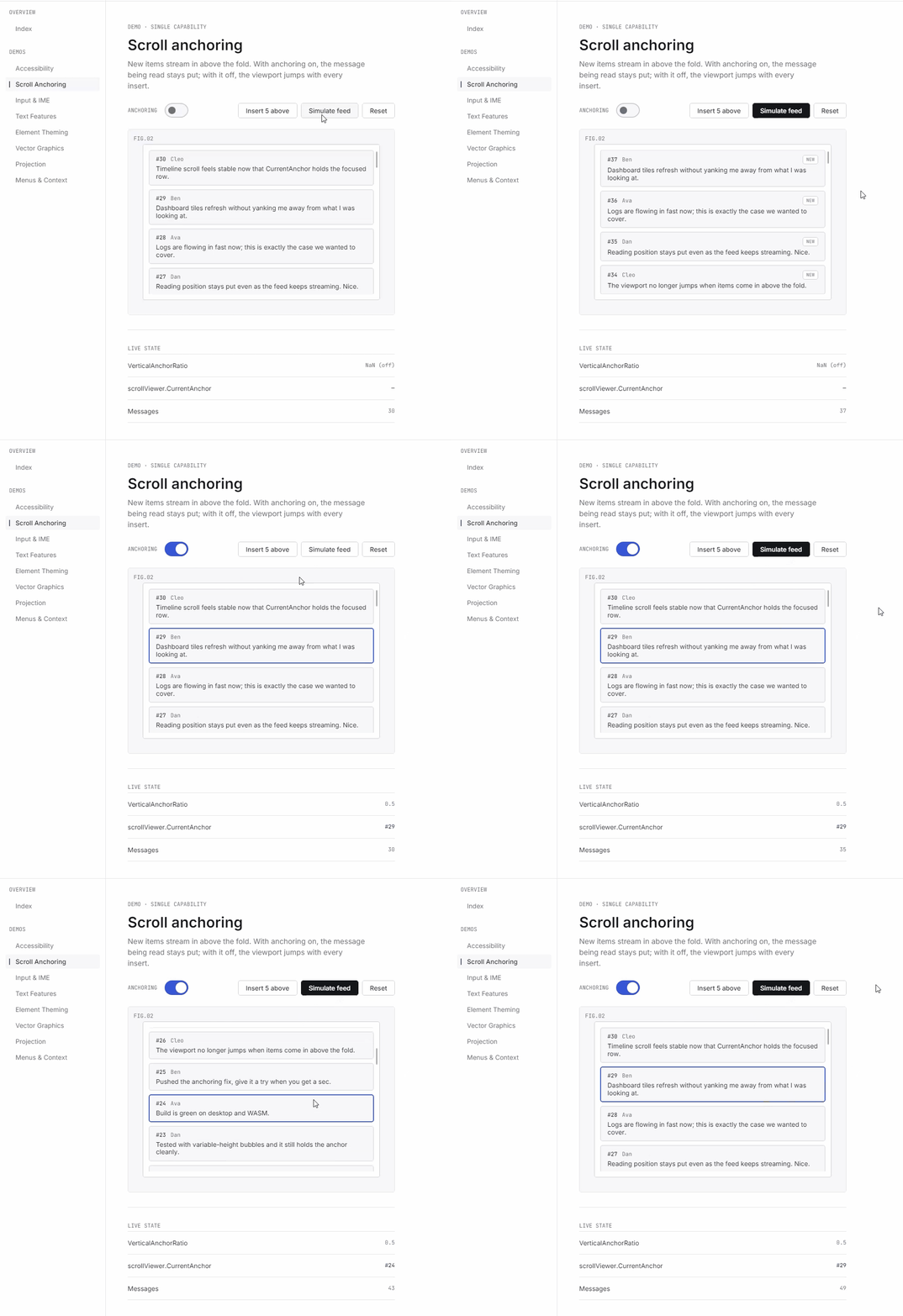 , XAML event-trigger actions , XAML event-trigger actions | Richer desktop interactions using familiar WinUI patterns |
| Drag, drop, and clipboard | Broader clipboard support and Windows desktop drag and drop for virtual and in-memory files | Better productivity, file-management, and content workflows |
| WebView2 | Resource interception, flicker/z-ordering/message lifecycle improvements | More reliable hybrid application experiences |
| Theming and backdrops | Element-level RequestedTheme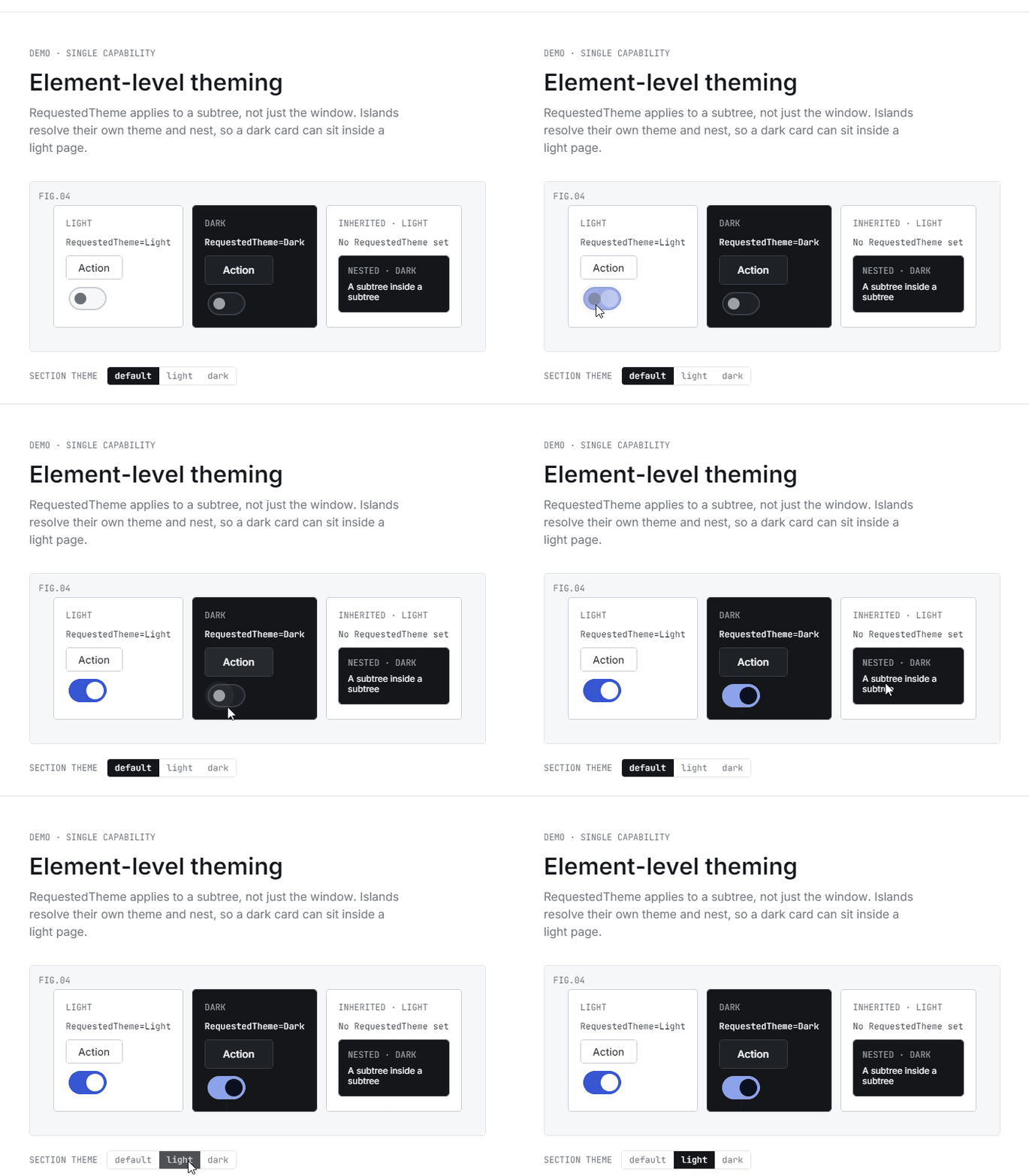 , Mica and Acrylic window backdrops on macOS , Mica and Acrylic window backdrops on macOS | More flexible themes and platform-appropriate desktop visuals |
| Media | Animated WebP playback | Richer image and animation experiences |
The complete API list and platform-specific notes are available in the release documentation.
Screen-Reader Support for Skia-Rendered Apps
Uno Platform 6.6 allows Skia-rendered applications to expose their interfaces to screen readers on Windows, macOS, and WebAssembly, with further target platform support to come.
Developers can continue defining the semantic meaning of their controls through Uno Platform's accessibility abstractions. Uno Platform then makes that information available to the accessibility services provided by each supported environment.
| Platform | Screen-Reader Support in 6.6 |
|---|---|
| Windows | Available |
| macOS | Available |
| WebAssembly | Available |
| Android | In progress |
| iOS | In progress |
| Linux | Planned |
The result is not only better access for screen-reader users and compliance to standards, but also a more inspectable and testable interface for development teams.
Complete Multilingual Text Input and Rendering
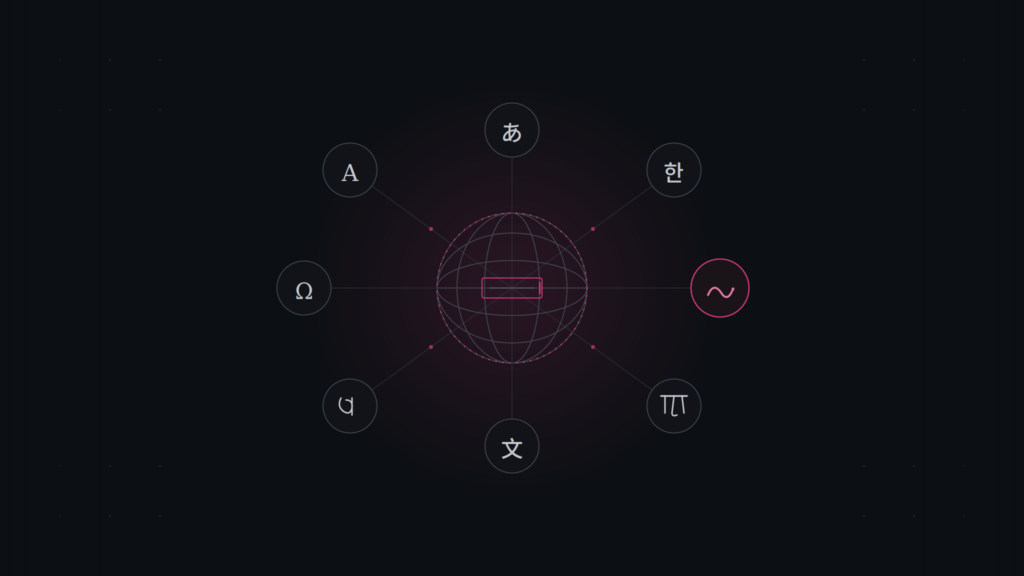
Uno Platform 6.6 delivers two major improvements for applications used across languages and writing systems: complete Input Method Editor composition and automatic font fallback.
IME Composition
Input Method Editors are used to enter languages and writing systems that cannot be represented directly by individual keyboard keys, including Chinese, Japanese, Korean, and Vietnamese.
Uno Platform 6.6 adds complete IME composition support across Windows, WebAssembly, Android, iOS, macOS, and Linux. Users can now compose, review, and confirm characters using the input methods already built into their operating system. The feature is available out of the box, with no additional configuration required.
Automatic Font Fallback
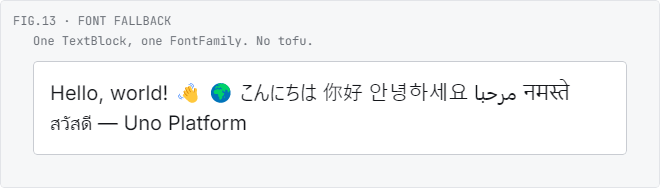
A single font does not always include a visual glyph for every character. When a glyph is unavailable, the character may appear as an empty square, commonly known as a tofu box.
Uno Platform can now select a suitable fallback font for the characters that need one. This allows Latin, CJK, Arabic, Georgian, and other supported scripts to render correctly within the same sentence. Developers no longer need to manually choose a single font that contains every character used by their interface.
SkiaSharp 4.x Is Available as an Opt-In
Since the Uno Platform 6.6 release branch was created, Uno Platform has joined the .NET team as a co-maintainer of SkiaSharp and helped ship SkiaSharp 4.0.
Uno Platform 6.6 defaults to SkiaSharp 3.x, but you can opt into SkiaSharp 4.x when it suits your project. For applications that use SkiaSharp directly, the 4.x line brings a newer underlying Skia engine alongside capabilities such as variable-font axes, color-font palettes, animated WebP encoding, and upstream rendering, codec, performance, and security improvements.
SkiaSharp 4.x compatibility and opt-in instructions are available in the documentation.
See the full story: SkiaSharp 4.0 launch session with the Microsoft and Uno Platform teams, covering what's new, real-world examples, and creative demos showing what SkiaSharp can do beyond the basics.
Thank You to Our Contributors
Uno Platform 6.6 was made possible by 26 contributors from across the Uno Platform team and the wider community.
Thank you to everyone who contributed code, tested preview builds, reviewed changes, filed reports, or helped us identify where the platform could work better. Community contributions from developers including tmds and clairernovotny helped improve this release.
Upgrade to Uno Platform 6.6
To upgrade an existing project, update your Uno Platform IDE extension and bump the Uno SDK version in your project's global.json file:
{
  "msbuild-sdks": {
    "Uno.Sdk": "6.6.33"
  }
}
Note: At the time of writing, the latest Uno.Sdk version is 6.6.33. Before upgrading, check the Uno.Sdk package on NuGet for the current version. If you’re upgrading from an earlier release, be sure to review the migration guide for any additional steps.
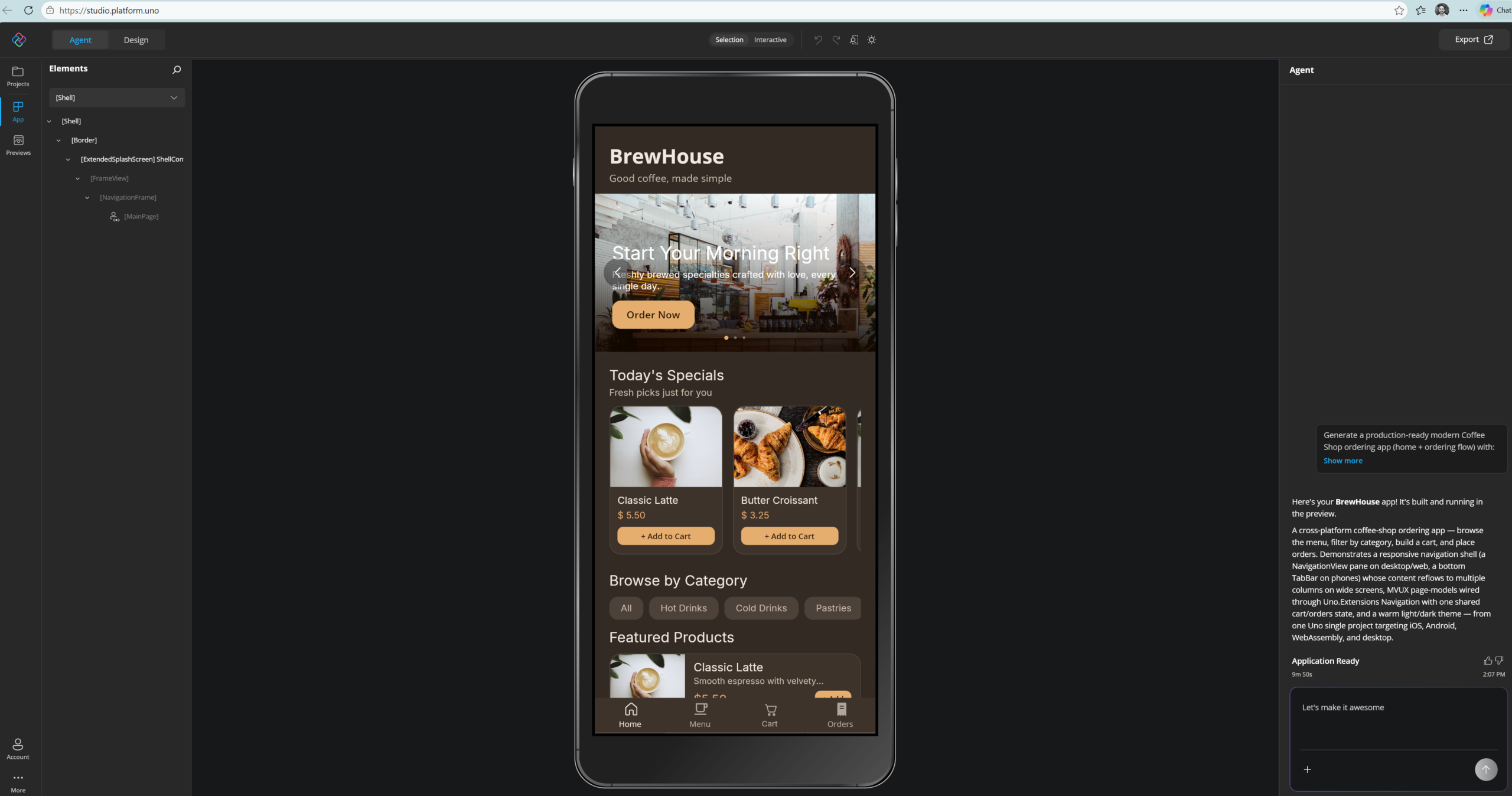
New to Uno Platform? The easiest way to get started is with Uno Platform Studio, directly in your browser. Prompt your own app idea or continue building the Brewhouse application we’ve already started for you. No setup required.